Melo › QR code menu ordering
QR code menu ordering
Print your Melo QR code and put it on your counter, menu card, flyers and delivery bags. Customers scan it, see your full menu with photos and order straight away.
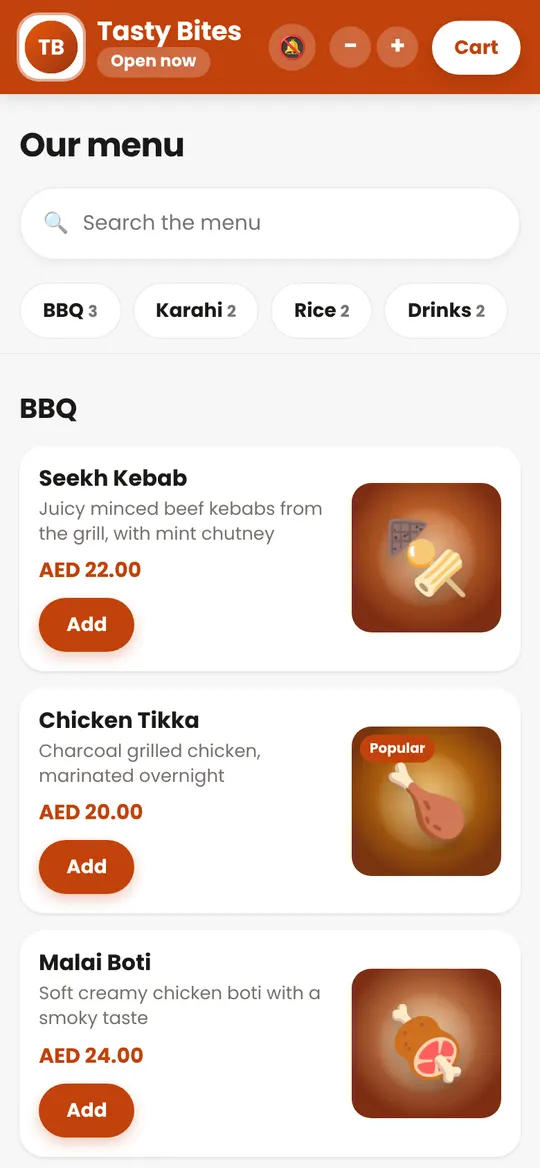
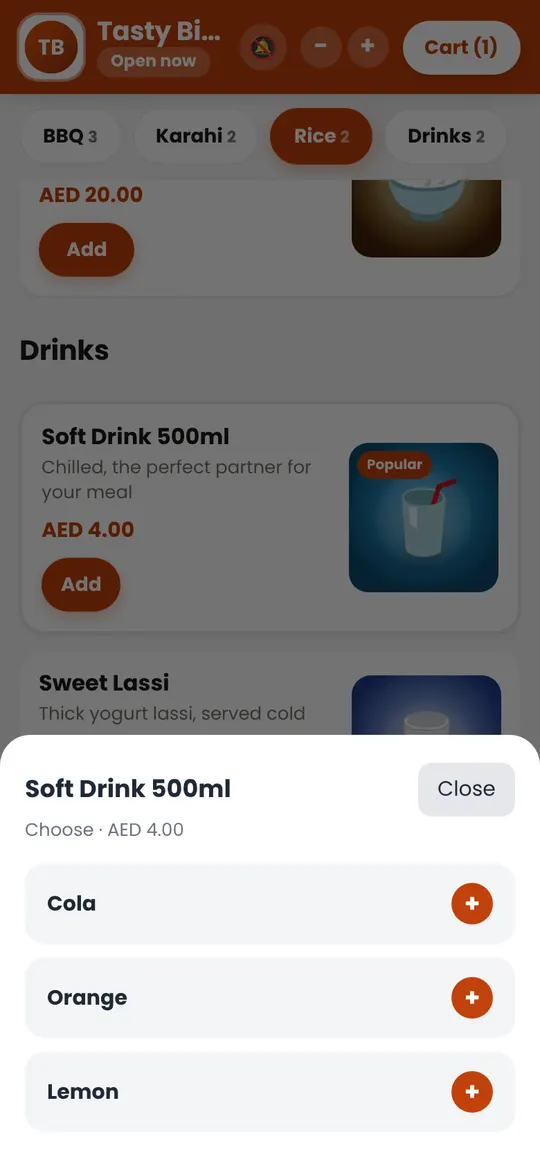
Ready-made QR posters
In your panel, Settings, QR code, choose one of five designs: classic card, dark and gold, minimal frame, round sticker or delivery flyer. Your name, logo and colour are added for you, and you can change the words. Print it in A4, A5 or A6, or download the picture for your printer.
Why a QR code menu with ordering
- No app to download: the menu opens in the phone's browser.
- Always up to date: change a price or mark a dish sold out and the menu changes instantly.
- Orders, not only a menu: customers order for delivery or pickup and you receive the order ready to print.
- Brings customers back: a QR code on every bag turns a one-time customer into a direct regular.
Where to put your QR code
- On the counter and at the entrance
- On printed menus and flyers
- On every delivery bag and receipt
- On your Google Maps profile, Instagram and WhatsApp status (use the link)
Get your QR code
The QR code is ready in your panel as soon as your store is set up. Print it as many times as you like.
Request your 14-day free trial
See also: melo guide, commission-free online ordering, restaurant order management, mess and tiffin management, FAQ.